
A Ledger is unable to be deleted if Ledger Items or Line Items are attached to that Ledger. Because of this you may have Ledgers that you no longer wish to use, but you are unable to remove.
Hero has created a feature to enable you to hide obsolete Ledgers from view. This will also prevent the Ledger being selected when creating Ledger Items or one-off Line Items.
TO HIDE A LEDGER
1. Navigate to the Administration menu. If you have a wide-screen device this will already be visible on the left-hand side of your screen. If not, click on the Administration menu icon at the top left-hand side of your screen.

2. Under the heading Administration click on Finance
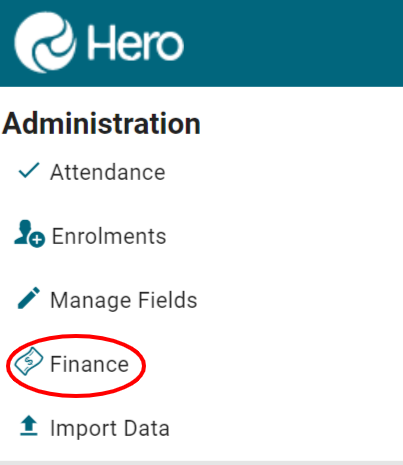
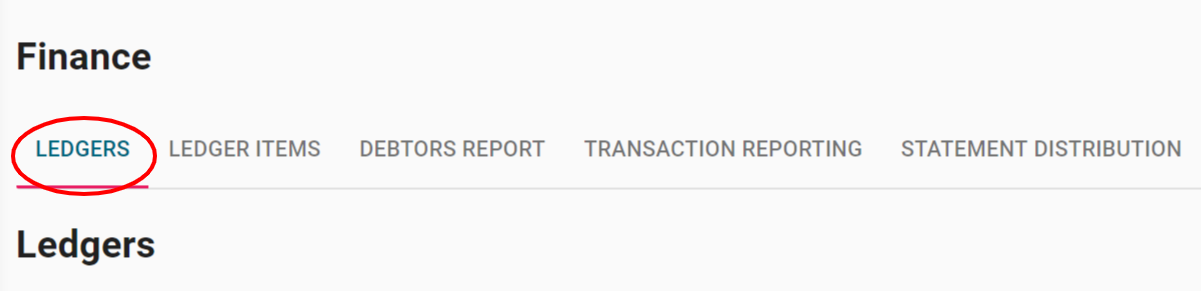
3. Click LEDGERS to display a table of existing ledger entries
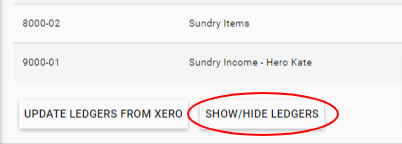
4. Click SHOW/HIDE LEDGERS at the bottom of the list. This displays a table of all Ledgers with a checkbox option to hide or show a ledger.
5. Click the checkbox to HIDE a ledger. Unclick the checkbox to SHOW a ledger.

6. Click HIDE SELECTED LEDGERS.
Note: If you are changing your settings to show previously hidden ledgers still click HIDE SELECTED LEDGERS to update even if no ledgers are now selected.
7. If hidden ledgers exist a message will display at the bottom of the Ledger table.
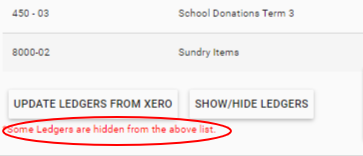
2. The message will also show wherever a Ledger is selected i.e. when creating a Ledger Item or adding a one-off Line Item. Hidden Ledgers will not be available for selection.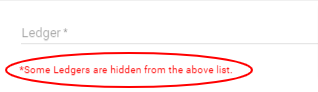
Comments
0 comments
Article is closed for comments.